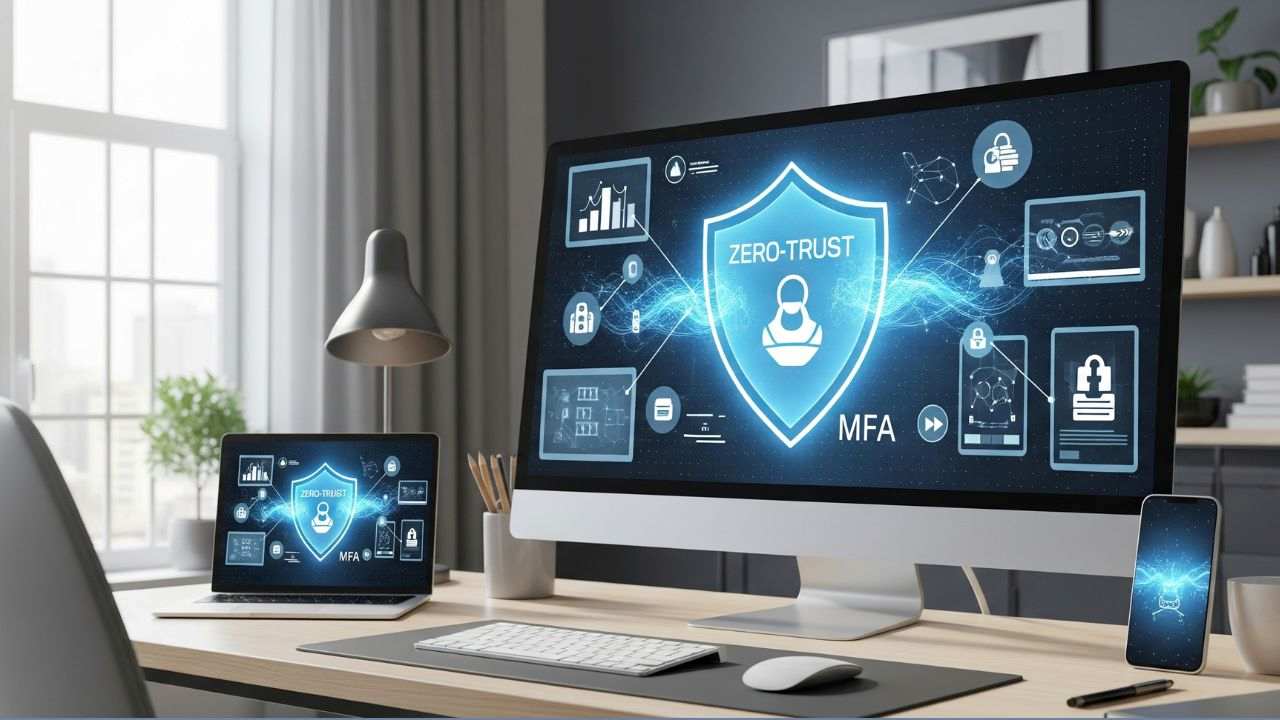
Zero-Trust Cybersecurity at Home: Essential Practices for Remote Work
In 2025, with 32% of U.S. workers operating remotely at least part-time, per a 2024 Gallup survey, securing home environments has become critical for safe and effective remote work. The rise in cyber threats—88% of healthcare data breaches in 2024 were human-driven, per Verizon, and ransomware attacks surged 27% from 2023—underscores the need for robust cybersecurity. Zero-trust cybersecurity, which assumes no user or device is inherently trustworthy, is a powerful framework for protecting remote work setups. This blog explores essential zero-trust practices for home environments, their benefits, and practical steps for implementation, with a focus on industries like healthcare and tech.
Why Zero-Trust Matters for Remote Work
Home networks are inherently less secure than corporate environments, with vulnerabilities like unsecured Wi-Fi, shared devices, and phishing risks. A 2025 HealthTech Magazine report notes that 60% of remote workers use personal devices for work, increasing exposure. Zero-trust mitigates these risks by:
- Reducing Attack Surfaces: Continuous verification prevents unauthorized access, critical as 2024 saw a 20% rise in remote-work-related breaches, per Forbes.
- Ensuring Compliance: Aligns with HIPAA and GDPR, essential for healthcare workers handling protected health information (PHI).
- Supporting Hybrid Work: Enables secure access to cloud platforms like Azure, used by 40% of tech firms, per Gartner 2025.
Essential Zero-Trust Practices for Remote Work
1. Implement Multi factor Authentication (MFA)
- What It Is: MFA requires multiple verification methods (e.g., password, biometrics, or one-time codes) to authenticate users.
- Why It Works: Blocks 99.9% of account compromise attacks, per a 2024 Microsoft report. Essential for healthcare workers accessing EHRs remotely.
- How to Apply: Enable MFA on all work accounts (e.g., Microsoft 365, Zoom) using apps like Authy or Google Authenticator. Employers should mandate MFA, as seen in Microsoft’s Cybersecurity for Rural Hospitals Program.
- Example: A remote nurse uses MFA to access patient records, preventing a phishing attempt that compromised 15% of her hospital’s staff in 2024.
2. Use Endpoint Security and Device Verification
- What It Is: Ensures only secure, compliant devices access work systems, using tools like Microsoft Intune for device health checks.
- Why It Works: Reduces risks from unpatched or shared devices, which accounted for 30% of remote breaches in 2024, per Verizon.
- How to Apply: Install endpoint protection (e.g., CrowdStrike, SentinelOne) on all devices, enforce regular updates, and use zero-trust policies to block non-compliant devices.
- Example: A tech worker’s laptop, scanned by Intune, was blocked due to outdated software, preventing a ransomware attack.
3. Adopt Network Micro-Segmentation
- What It Is: Divides home networks into isolated segments to limit lateral movement by attackers, using software-defined networking or next-generation firewalls.
- Why It Works: Contains breaches, critical as 2025 saw a 25% rise in home network attacks, per Forbes.
- How to Apply: Use routers with VLAN support or firewalls like Palo Alto Networks to separate work and personal devices. Employers can provide VPNs with zero-trust access controls.
- Example: A healthcare administrator’s VPN segmented EHR access, stopping a 2024 malware spread from a personal device.
4. Enable Real-Time Monitoring and Observability
- What It Is: Uses AI-driven tools like Datadog or Splunk to monitor network traffic and detect anomalies in real time.
- Why It Works: Identifies threats like cryptojacking, which degraded GPU performance by 50% in intelligent transportation systems, per a 2025 IEEE study.
- How to Apply: Deploy lightweight monitoring agents on home devices and integrate with cloud-based observability platforms. Employers should provide access to tools like Azure Sentinel.
- Example: A remote developer’s AI assistant flagged unusual traffic, preventing a data leak during a 2025 project.
5. Prioritize User Awareness Training
- What It Is: Educates remote workers on recognizing phishing, social engineering, and other threats, reinforced by simulations.
- Why It Works: Reduces human-driven breaches, which caused 88% of healthcare incidents in 2024, per Verizon. Microsoft’s 2024 program cut phishing incidents by 25% in rural hospitals.
- How to Apply: Use short, monthly training modules from platforms like Proofpoint or KnowBe4, tailored to roles (e.g., PHI handling for healthcare).
- Example: A tech employee avoided a deep fake voice scam after training, protecting sensitive project data.
Benefits of Zero-Trust for Remote Work
- Enhanced Security: Continuous verification reduces breach risks by 50%, per a 2025 Gartner report, protecting sensitive data like PHI or proprietary code.
- Compliance Alignment: Meets regulatory standards (HIPAA, GDPR), avoiding penalties amid tightened 2025 regulations.
- Productivity Support: Seamless, secure access to tools like Microsoft 365 Copilot or GPT-5 enhances WFH efficiency, saving 5–7 hours weekly, per Deloitte 2025.
- Cost-Effectiveness: Prevents costly breaches ($4.4 million average in healthcare, per Verizon), ideal for budget-constrained organizations.
Challenges and Considerations
- Setup Complexity: Configuring zero-trust requires technical expertise, a challenge for rural healthcare workers with limited IT support.
- Cost Barriers: Tools like next-generation firewalls or observability platforms may strain personal budgets, though employers can subsidize, as seen in NTT DATA’s Microsoft Cloud unit.
- User Resistance: Overloaded workers may resist training or MFA. Short, engaging modules, like those in Microsoft’s 2024 program, mitigate this.
- Privacy Concerns: Continuous monitoring raises data privacy issues, requiring transparent policies, per a 2025 Nature Machine Intelligence study.
Strategies for Implementation
- Leverage Employer Tools: Use company-provided VPNs, MFA, and endpoint protection to minimize personal costs.
- Start Simple: Begin with MFA and basic antivirus, then scale to advanced tools like firewalls, as recommended by HealthTech Magazine 2025.
- Integrate with AI Assistants: Pair zero-trust with AI tools like Copilot for real-time threat alerts, enhancing security without complexity.
- Regular Training: Complete monthly cybersecurity modules, mirroring Microsoft’s success with 1,000 rural hospital staff in 2024.
- Secure Home Networks: Use strong Wi-Fi passwords, disable WPS, and update router firmware regularly.
The Future of Zero-Trust in Remote Work
By 2030, zero-trust will be standard for WFH, driven by advancements in AI-driven threat detection (e.g., GPT-5-powered analytics) and AR/VR collaboration, per IndexBox. In healthcare, ambient intelligence could integrate zero-trust to secure patient data, while tech firms adopt zero-trust for AI development pipelines. Rural workers, facing budget cuts, will benefit from cloud-based zero-trust solutions, ensuring equitable security access.
Leave a Reply