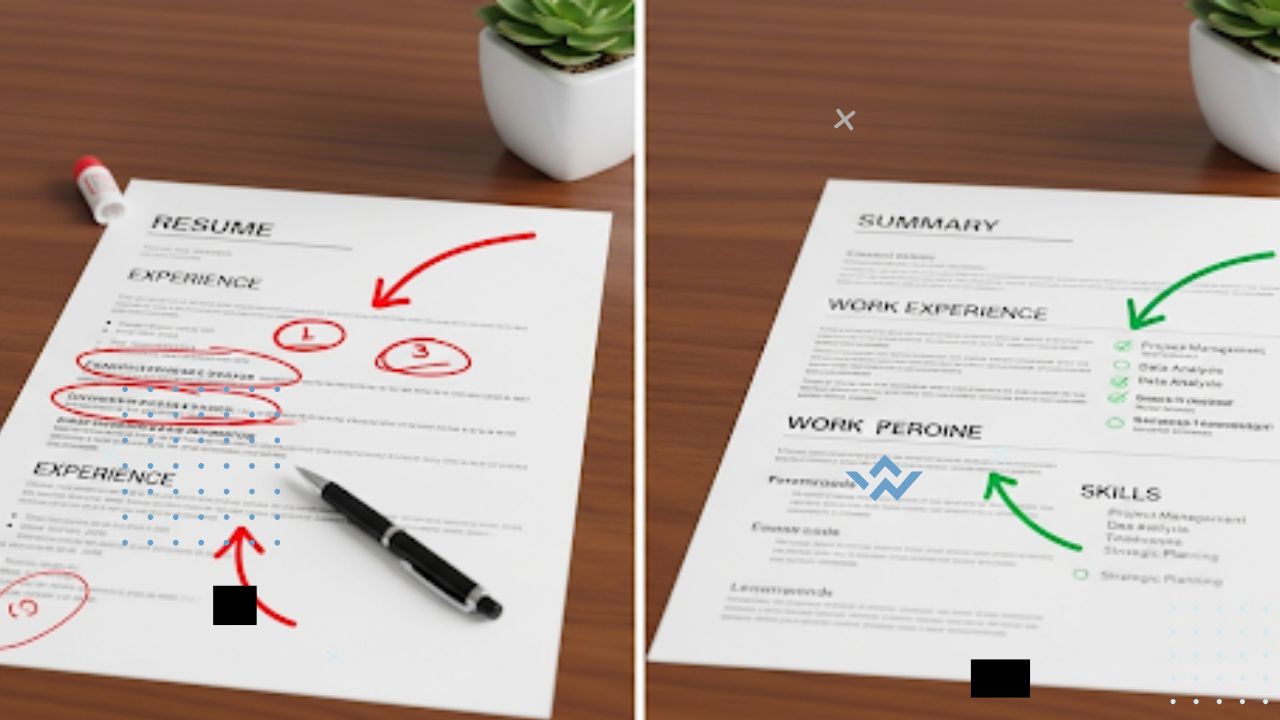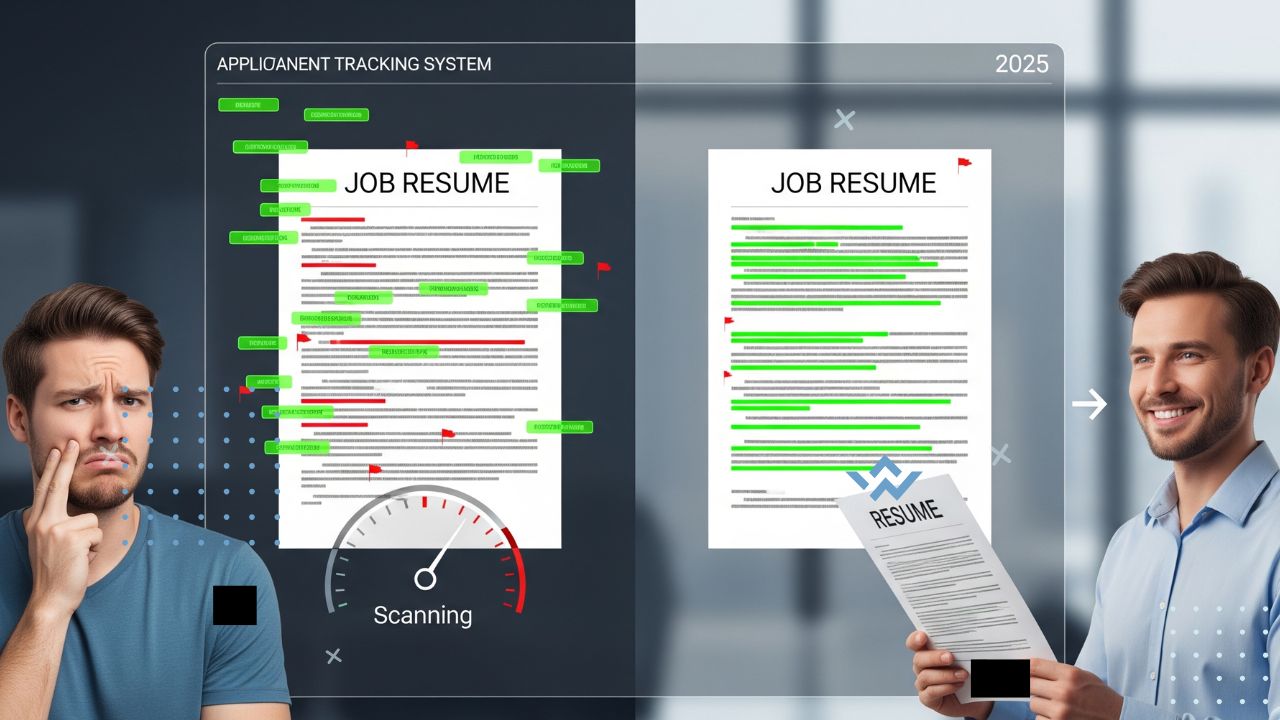
Hey there, job seeker! Ever wonder why your resume seems to vanish into a black hole? Chances are, it’s getting tripped up by Applicant Tracking Systems (ATS), the software 75% of employers use to screen resumes before a human even sees them (Forbes, 2024). In 2025, with booming industries like tech (32.1% AI market CAGR, IndexBox, 2025) and healthcare (navigating $70 billion in Medicaid changes, Health Affairs, 2025), nailing the ATS game is your ticket to landing an interview. Don’t worry this guide breaks down how ATS works and shares simple tricks to make your resume shine. Let’s get you past the bots!
What Is ATS and Why Does It Matter?
ATS is like a digital gatekeeper that scans resumes to match job requirements. It looks for specific keywords, formats, and details to decide if you’re a fit. With 80% of applications filtered out by ATS (LinkedIn, 2024), a poorly optimized resume can sink your chances, even if you’re perfect for the role. Understanding how ATS works is the first step to beating it.
How ATS Scans Your Resume
ATS software isn’t human it’s a robot that loves structure and keywords. Here’s what it’s looking for:
- Keywords: Words or phrases from the job description, like “Python” for tech or “patient care” for healthcare.
- Formatting: Clean, simple layouts with standard headings like “Experience” and “Education.”
- Relevance: Matches between your skills and the job’s requirements, prioritizing recent experience.
- Data Points: Specific details like job titles, dates, and certifications.
If your resume doesn’t align, it’s like shouting into the void no one hears you. But with the right tweaks, you can make ATS your friend.
8 Tips to Pass the ATS Test
1. Use Keywords from the Job Ad
ATS loves keywords that match the job description. Think of it as speaking the robot’s language.
- How: Read the job ad and note key terms, like “data analysis” or “project management.”
- Do: Sprinkle these exact words in your skills, experience, and summary sections.
- Don’t: Stuff keywords unnaturally it can look spammy to humans who read it later.
Example: For a tech role, if the ad says “cloud computing,” add “Developed cloud computing solutions using AWS” to your resume.
2. Keep Formatting Simple
Fancy designs confuse ATS. Keep it clean to avoid getting filtered out.
- How: Use standard fonts (Arial, Times New Roman), no headers/footers, and avoid tables or images.
- Do: Use clear headings like “Work Experience” and “Skills.”
- Don’t: Use graphics, logos, or creative layouts that ATS can’t parse.
Tip: Save your resume as a .docx file most ATS systems read it best.
3. Match Job Titles Closely
ATS often looks for job titles that align with the role you’re applying for.
- How: If the job is “Software Developer,” use a similar title like “Junior Software Developer” instead of “Code Wizard.”
- Do: Tweak past job titles slightly to match, as long as it’s accurate.
- Don’t: Lie or exaggerate it’ll backfire in interviews.
Story: Jake changed “App Builder” to “Mobile App Developer” on his resume and got past ATS for a tech startup role.
4. Highlight Measurable Results
Numbers catch ATS’s eye and show impact, even for entry-level roles.
- How: Add metrics, like “Built 3 websites” or “Improved process efficiency by 10%.”
- Do: Quantify school projects, internships, or volunteer work.
- Don’t: List vague duties like “Helped with tasks.”
Example: Instead of “Worked on marketing,” say “Increased social media engagement by 15%.”
5. Include Relevant Skills
ATS scans for specific skills listed in the job ad, especially in tech and healthcare.
- How: Create a “Skills” section with tools like Python, Tableau, or EHR software.
- Do: Match the ad’s exact phrasing, like “Agile methodology” instead of “teamwork.”
- Don’t: List unrelated skills, like “cooking” for a coding job.
6. Use a Professional Summary
A short summary at the top can boost ATS matches by tying your skills to the job.
- How: Write 2–3 sentences, like “Recent grad with Python and AI skills, eager to build innovative apps.”
- Do: Include job-specific keywords and your career goal.
- Don’t: Use generic phrases like “hardworking professional.”
Example: Emma’s summary, “Data analyst skilled in Tableau and SQL, ready to drive business insights,” helped her pass ATS for a fintech role.
7. Avoid Typos and Errors
ATS can misread typos, and humans hate them too 60% of recruiters reject sloppy resumes (Forbes, 2024).
- How: Proofread twice, then use Grammarly to catch mistakes.
- Do: Ask a friend to review for clarity and errors.
- Don’t: Rush and submit without checking.
Tip: Read your resume aloud to spot awkward phrasing.
8. Test Your Resume with ATS Tools
Before sending, check how ATS sees your resume to catch weak spots.
- How: Use free tools like Jobscan or Resunate to analyze keyword matches.
- Do: Aim for a 70%+ match score with the job ad.
- Don’t: Assume your resume is fine without testing.
Story: Noah used Jobscan to tweak his resume, boosting his ATS score from 50% to 80% and landing a healthcare IT interview.
Quick Answers
Q: How many keywords should I include in my resume?
A: Aim for 5–10 relevant keywords from the job ad, spread naturally across your resume. Overstuffing can look forced and hurt your chances with human readers.
Q: Can I use a PDF for my resume?
A: Stick to .docx files, as some ATS systems struggle with PDFs. Always check the employer’s instructions.
Q: What if I don’t have experience to match the job’s keywords?
A: Highlight transferable skills from school projects, internships, or volunteer work. For example, teamwork or problem-solving can count.