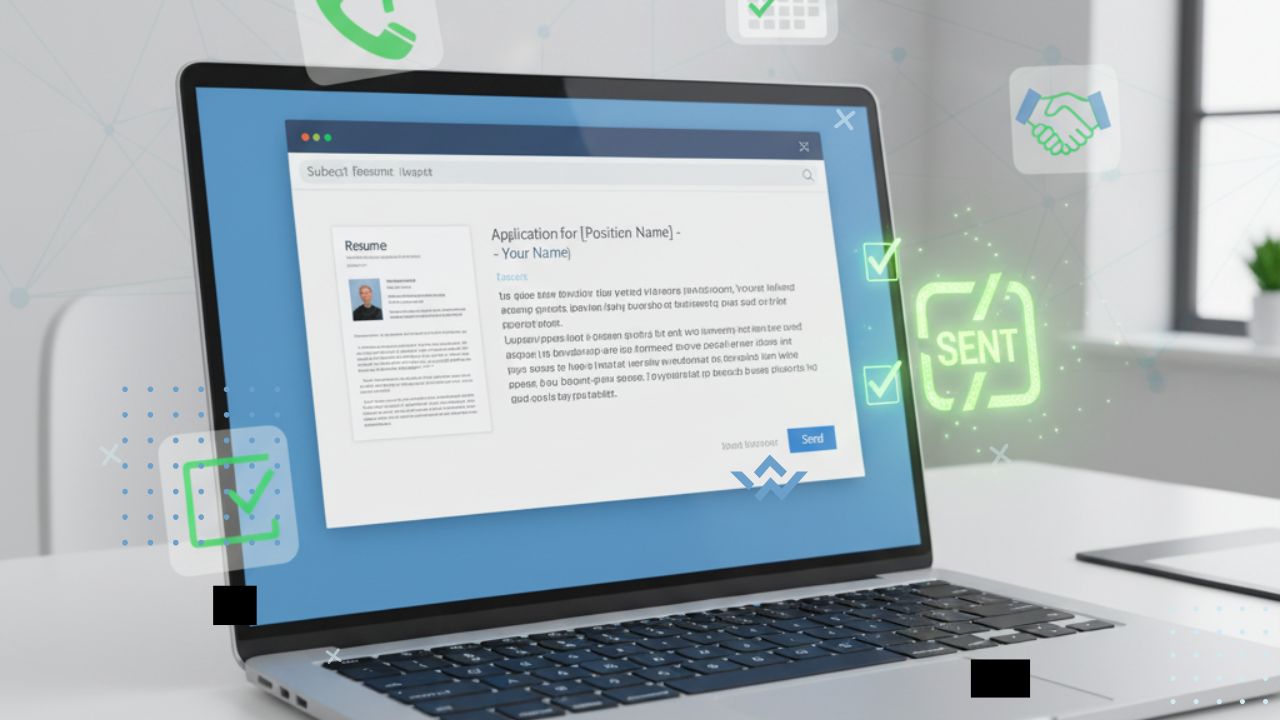
You spend hours polishing your resume. The formatting is neat, the skills are listed, and the experience looks strong. Yet you send it out and hear nothing back. No callback, no email, no interview. The truth is that even the best resume can get ignored if your email approach is weak. The way you send your resume matters just as much as what is on the page.
Why Email Matters in Job Applications
Recruiters receive dozens or even hundreds of resumes for each role. Your email is the very first impression. A sloppy subject line or a blank body can make your resume feel like just another attachment in a crowded inbox. A thoughtful email, on the other hand, can:
- Show professionalism.
- Make your resume stand out in a sea of files.
- Create a personal connection with the hiring manager.
Think of your email as a handshake before the interview. Done right, it sets the tone.
Crafting the Perfect Subject Line
Your subject line is the gatekeeper. If it is not clear, your email might never even be opened. Keep it short, specific, and relevant.
Examples:
- Application for Marketing Assistant Role – Jane Smith.
- Resume Submission: Software Developer Position.
- Experienced Teacher Applying for Grade 5 Teaching Role.
Avoid vague lines like “Job Application” or “Resume.” The clearer you are, the easier it is for the recruiter to know why you are writing.
Writing a Professional Greeting
Always address the hiring manager by name if possible. A simple “Dear Mr. Khan” or “Hello Ms. Lopez” feels personal. If you cannot find a name, “Dear Hiring Team” is still better than just “Hi.”
This small effort shows that you cared enough to research.
Email Body: Keep It Short and Strong
Your email body is not the place for your full cover letter. Instead, keep it short while highlighting the key points that make you a strong fit. Think of it as a snapshot.
A simple structure looks like this:
- Start with a polite introduction.
- Mention the role you are applying for.
- Share two or three strengths or achievements that make you a good fit.
- Express enthusiasm for the role.
- End with a polite call to action.
Example:
“Dear Hiring Manager,
I am excited to apply for the Marketing Assistant role at ABC Company. With two years of experience running successful social media campaigns and a track record of boosting engagement by 40 percent, I believe I can add value to your team. I admire the creative work your company has done and would love the chance to contribute. Please find my resume attached. I look forward to the possibility of an interview.”
Attaching Your Resume the Right Way
This sounds simple, yet many people get it wrong. Always attach your resume as a PDF unless the company requests another format. This keeps the formatting consistent across devices.
Name your file clearly:
- John_Smith_Resume.pdf
- Sarah_Lee_ProjectManager.pdf
Avoid names like “FinalResumeVersion2” or “CV_new.” A clear file name looks more professional.
Adding a Cover Letter
If the company asks for a cover letter, attach it as a separate document instead of pasting it into the email. If it is optional, you can still paste a shorter version of your cover letter into the email body. This makes it easy for the recruiter to get a quick idea before opening attachments.
Common Email Mistakes to Avoid
- Leaving the subject line blank.
- Forgetting to attach your resume.
- Writing too much text in the email body.
- Using unprofessional language or emojis.
- Sending from a casual email address.
These mistakes are small but can cost you a callback.
Final Thoughts
Your resume may hold your skills, but your email is what gets it noticed. A smart approach shows effort, professionalism, and confidence. From subject line to follow up, each step plays a role in making sure your resume gets the attention it deserves.
If you want more callbacks, do not just focus on the resume. Focus on the way you send it.
FAQs
1. Should I paste my resume in the email body or attach it?
Always attach your resume as a PDF unless the company requests otherwise. Use the email body for a short introduction and highlights.
2. How long should my application email be?
Keep it short, around three to four short paragraphs. The goal is to introduce yourself, not to repeat your full resume.
3. Is it okay to follow up after sending my resume?
Yes. A polite follow up after one or two weeks shows interest. Just keep the tone respectful and avoid multiple repeated messages.