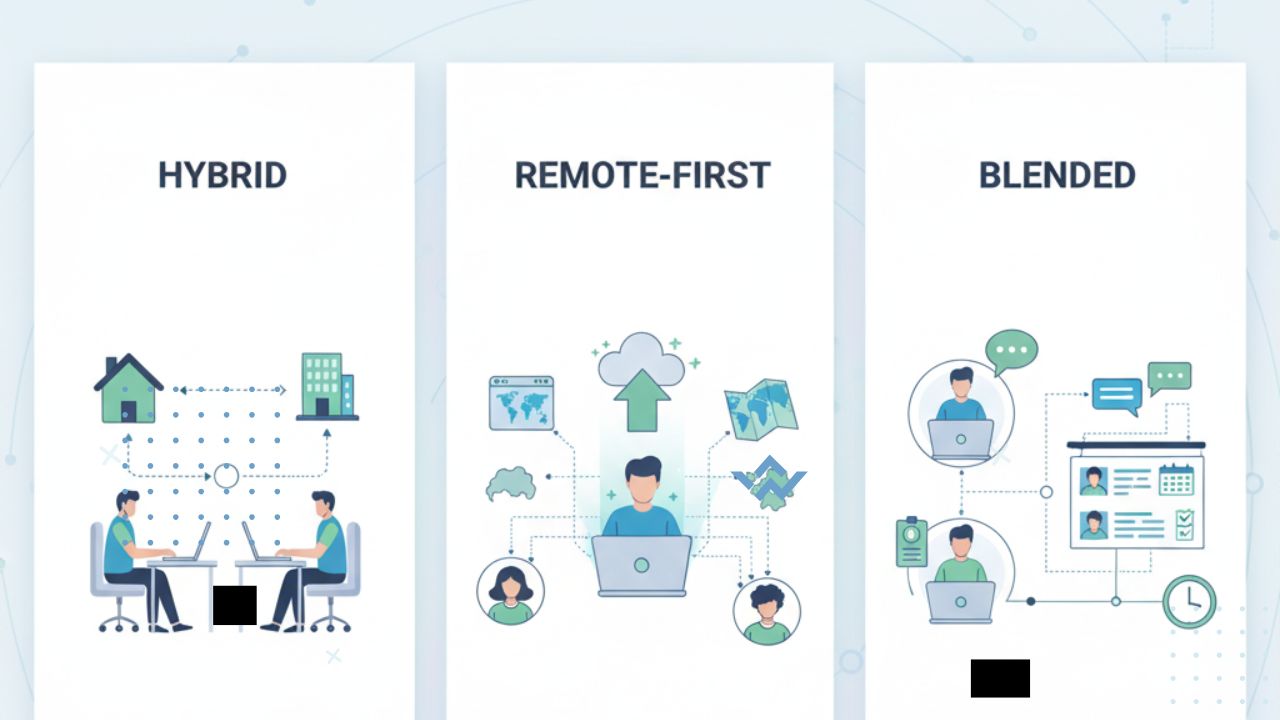
Remote work has moved from being a trend to a normal part of how companies operate in 2025. Teams are spread across cities and even countries, but still need to stay connected, organized, and productive. The good news is that today we have plenty of tech tools designed to make remote teamwork smoother.
If you have ever felt overwhelmed by endless emails or struggled to keep track of projects, these tools can be a game changer. Let’s look at how apps like Notion, Slack, and AI automation platforms are helping remote teams stay on top of their work.
Why the Right Tools Matter for Remote Teams
Working remotely sounds great until you face challenges like miscommunication, missed deadlines, or confusion over who is doing what. That is where tech tools come in. They:
- Keep everyone on the same page.
- Help teams track progress in real time.
- Reduce unnecessary meetings.
- Automate repetitive tasks so people can focus on meaningful work.
With the right setup, remote teams can work just as effectively, if not more, than in an office.
Notion: The Digital Workspace
Think of Notion as an all-in-one workspace. Instead of juggling separate apps for notes, tasks, and documents, Notion lets you organize everything in one place.
What teams use Notion for:
- Project tracking with customizable boards.
- Shared team wikis that store important information.
- Personal and team task lists.
- Collaborative note-taking during meetings.
Real-world example: A design team working remotely uses Notion to create a shared hub. Each project has its own page, deadlines are visible to everyone, and meeting notes are always accessible. Instead of asking “Where is that file?” the team knows to check Notion first.
Slack: Instant Communication Without the Chaos
Email is useful, but it is not always the fastest way to communicate. Slack gives teams a space to chat in real time. Instead of your inbox filling up, you can organize conversations by channels.
Why teams love Slack:
- Instant messaging for quick questions.
- Channels keep topics organized.
- Integration with tools like Google Drive and Zoom.
- Video and voice calls when typing is not enough.
Pro tip: To avoid Slack overload, teams often set guidelines, like muting non-essential channels after work hours. This keeps communication effective without becoming overwhelming.
AI Automation Platforms: Doing More with Less Effort
AI is no longer just a buzzword. Automation tools are helping remote teams save time and avoid manual work.
What AI tools can do for teams:
- Automate scheduling of meetings.
- Summarize long documents or emails.
- Analyze data and provide quick insights.
- Handle repetitive admin tasks, like updating spreadsheets.
Example in action: A remote sales team uses an AI tool to automatically log client emails into their CRM system. Instead of spending hours on data entry, they can focus on building relationships and closing deals.
Combining Tools for Maximum Productivity
While each tool is powerful on its own, the real magic happens when they are used together. Imagine this workflow:
- A new project starts in Notion, where tasks and deadlines are set.
- Updates are shared in Slack so the team stays informed.
- An AI platform automates repetitive tasks, like sending reminders or generating reports.
This combination keeps everything connected, reduces wasted time, and helps the team stay focused.
Tips for Choosing the Right Tools
There are many apps out there, so how do you decide which ones to use? Here are a few tips:
- Match the tool to your needs. A small startup may not need dozens of apps, while a large company might.
- Check for integrations. Tools that work well together save time and reduce headaches.
- Think about ease of use. A tool should make life easier, not more complicated.
- Set team rules. Even the best tools can become distracting without clear guidelines.
Final Thoughts
Remote work does not have to mean messy communication or disorganized projects. Tools like Notion, Slack, and AI automation platforms make it possible for teams to stay connected and efficient, no matter where they are in the world. The key is not just using these tools, but using them wisely.
If your team has been struggling with communication or productivity, it may be time to test one of these tools. Start small, see how your team responds, and build from there. With the right setup, remote work can feel smooth, structured, and even fun.
Q & A
1. What is the best tool for remote teams just getting started?
Notion is a great starting point because it combines project management, note-taking, and collaboration in one platform. It reduces the need to jump between apps.
2. How can we avoid tool overload in remote teams?
Pick only the tools you truly need and set clear rules for how to use them. For example, Slack for quick updates, Notion for project tracking, and one AI platform for automation.
3. Do AI automation tools replace team members?
No, they do not replace people. Instead, they handle repetitive tasks so team members can focus on more creative and strategic work.